Manus-Bot Has a New Look: Try the Refreshed AI Workspace
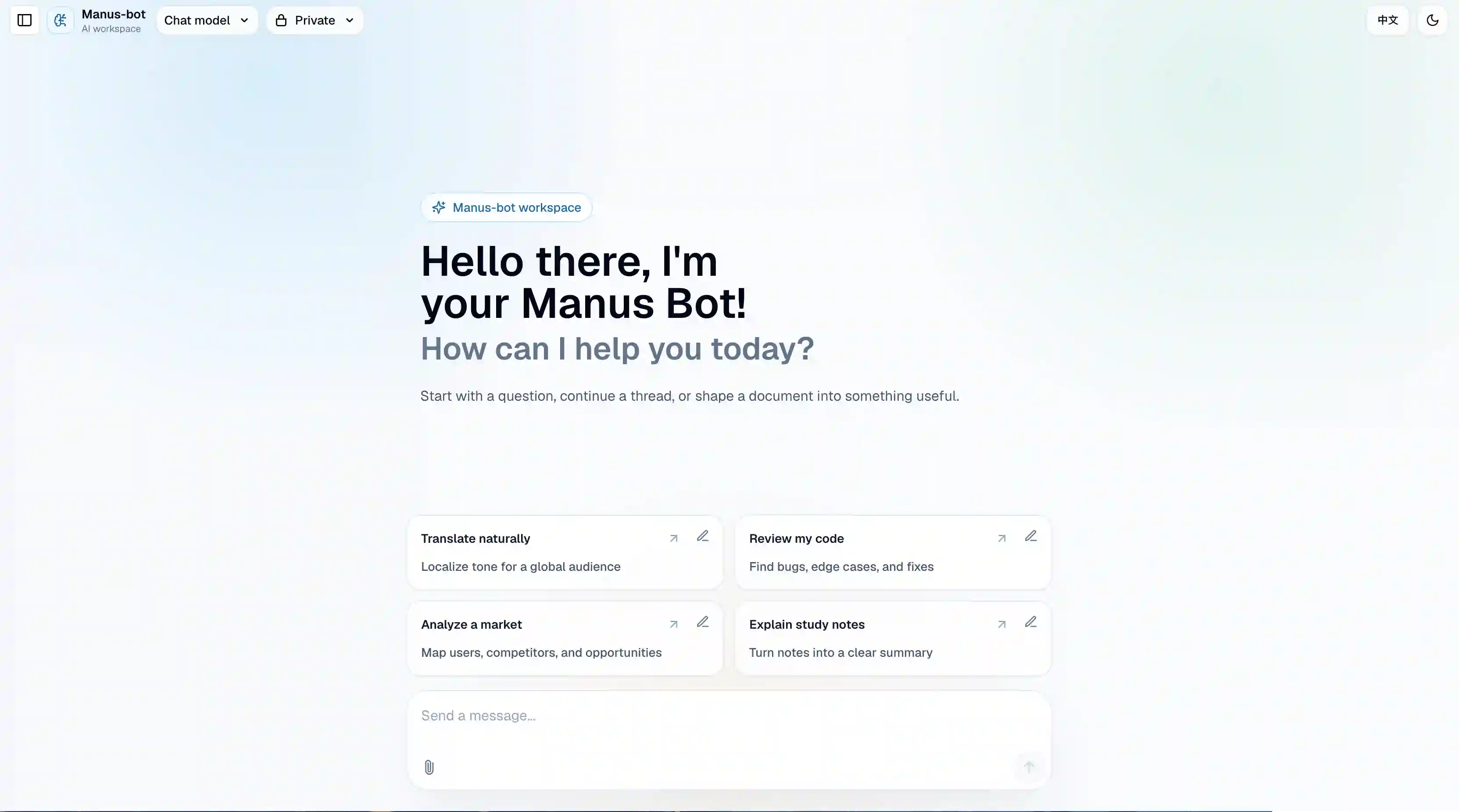
Manus-Bot has received a major UI refresh. The new experience is cleaner, easier to understand, and more focused on helping you turn everyday questions into useful results.
You can learn about Manus-Bot on manus.kim, then open chat.manus.kim to start chatting with the AI workspace directly.
A Cleaner First Impression
The new home page makes Manus-Bot feel more like a calm workspace and less like a blank input box. It is designed to help you start faster, understand what the assistant can do, and keep your work moving.
The refreshed interface highlights the core Manus-Bot experience:
- start a new conversation quickly
- continue working with context
- ask practical questions
- create and refine useful content
- move between workspace actions more naturally
Ask About Weather
One of the easiest ways to try Manus-Bot is to ask about weather. You can ask for current conditions, a short-term forecast, or advice based on a real plan.
For example:
What is the weather like in Shanghai this weekend, and what should I pack?
Manus-Bot can turn that into a practical answer: what to wear, whether to bring an umbrella, and how to plan around the forecast.
Create Documents from a Prompt
Manus-Bot can also help you create documents. Start with a rough idea, and ask the assistant to turn it into something structured.
You can use it for:
- product briefs
- meeting notes
- travel plans
- blog drafts
- technical outlines
- study summaries
- code or spreadsheet-style content
You can keep editing in the same conversation: ask Manus-Bot to shorten, expand, rewrite, translate, compare, or reorganize the document.
A New Help Page
The refreshed product also includes a Help page that introduces what Manus-Bot can do and gives users a simple place to send questions or feedback.
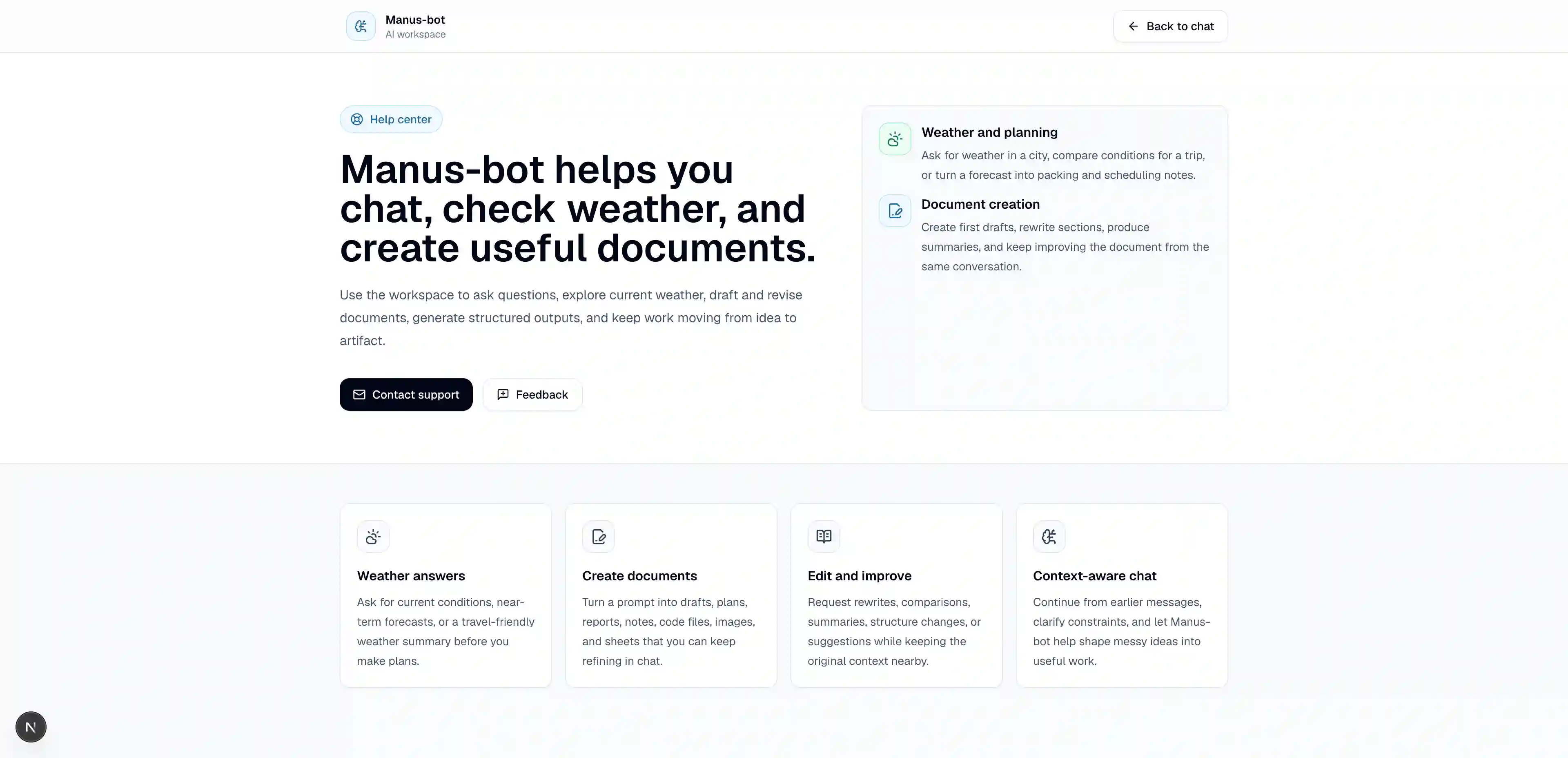
The Help page is intentionally simple. It explains the main capabilities, then provides two actions:
- Contact support for questions or support requests
- Feedback for product suggestions and issues
This makes it easier to tell us what is working, what feels confusing, and what you would like Manus-Bot to support next.
A More Polished Login Experience
The login page has also been updated to match the new product style.
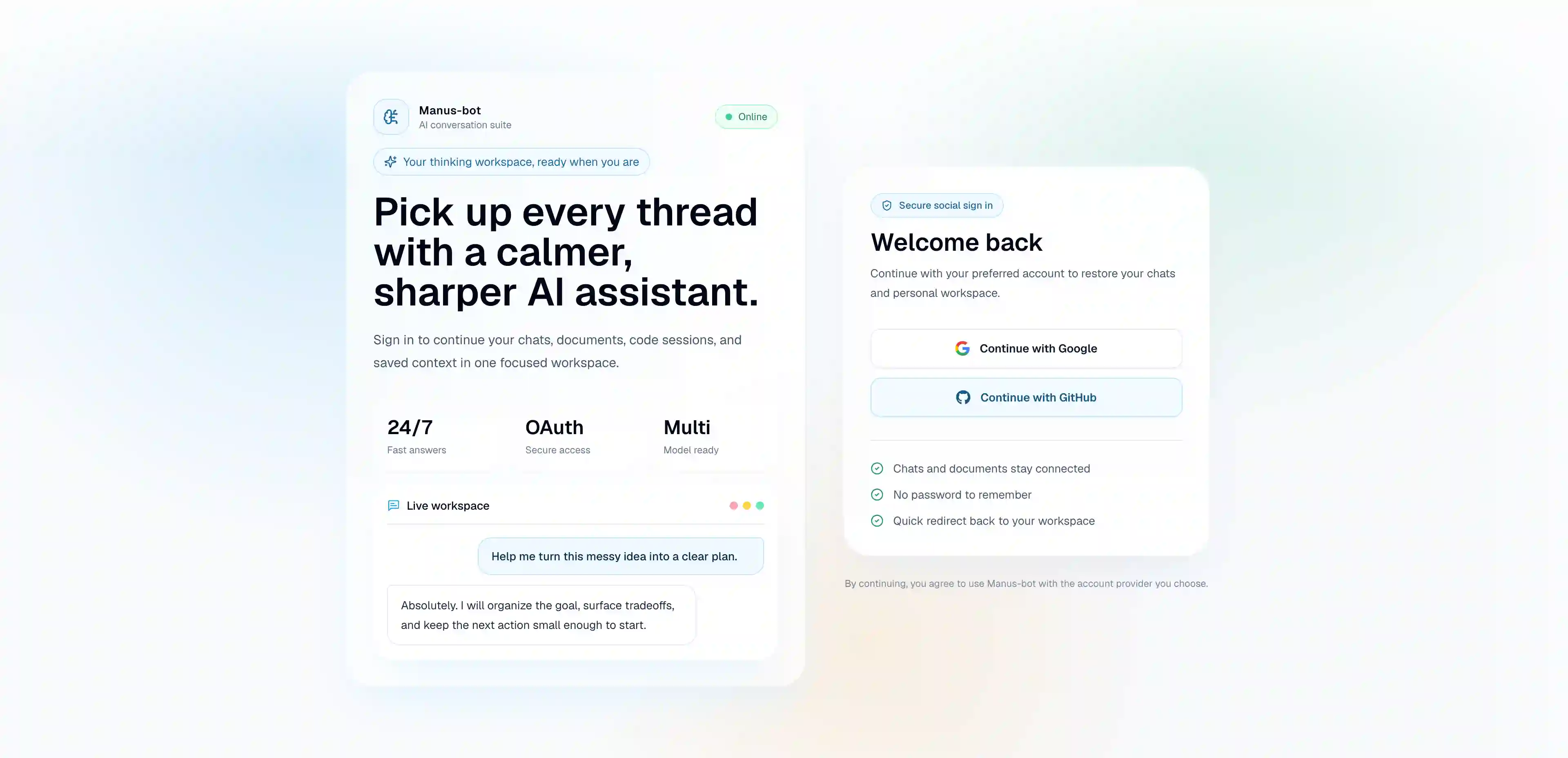
The goal is simple: from the first visit on manus.kim to the first conversation on chat.manus.kim, the experience should feel consistent and welcoming.
Try It
The new Manus-Bot experience is live now. Visit chat.manus.kim to try the refreshed AI workspace, ask about weather, create a document, and send us your feedback.